
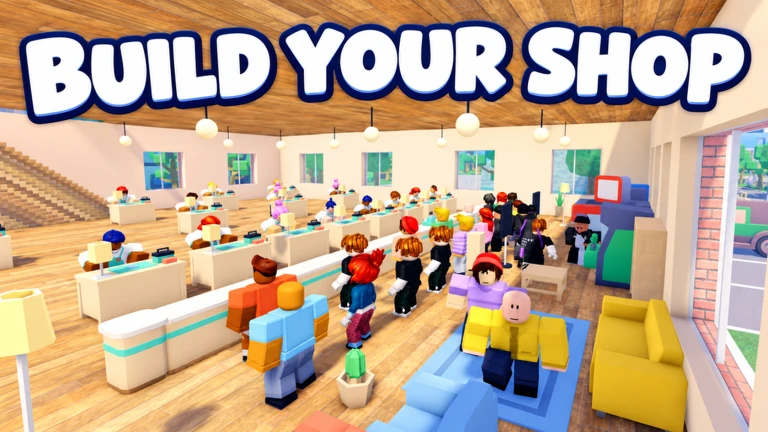
DOUBLOONS / ROBLOX / INDEPENDENT GUIDE
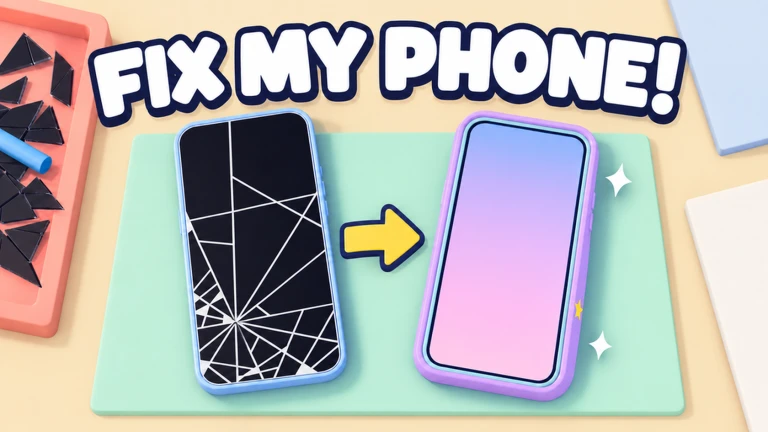
Fix My Phone.
Make the fix. Build the business. Repair walkthroughs, developer-listed codes and a clear next step for your shop.
- Total visits
- 4,605,715
- Playing at capture
- 11,140
- Favorites
- 204,760
Roblox game data snapshot · 23/10/2026, 13:46:58 UTC+08:00 · Not live. Visits are sessions, not unique players.
Game artwork: Doubloons / Roblox. Used to identify the experience.
01 / CODES
A little help for your next fix.
Three codes appear in the official game description. Rewards below are media-reported; availability has not been tested in-game.
Codes, rewards & redemption stepsDeveloper-listed · not redeemed by this guide · Checked October 23, 2026
Reported: 2× Cash for 15 minutes
Reported: Bubble Pop Case
Reported: Lot Key (also called Loot Key in reports)
02 / COMMUNITY GAMEPLAY
Watch a shop take shape.
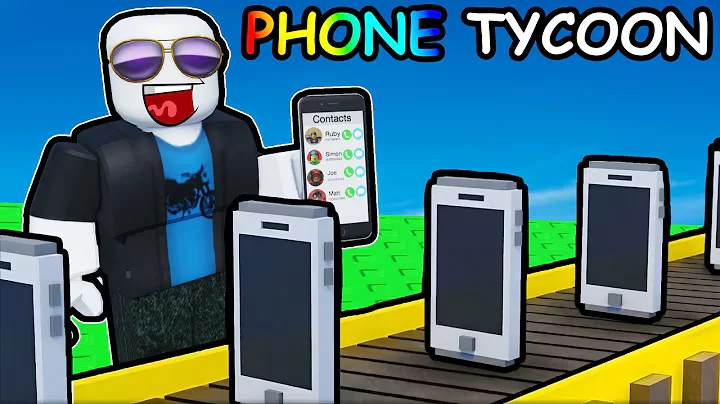
I Became RICH Repairing PHONES in Roblox...
OTTER ON ROBLOX · Community video · YouTube · checked October 23, 2026
Community gameplay, not an official tutorial. Watch the repair routine and shop presentation; do not treat the creator’s earnings as guaranteed results.
Video notes & source context03 / GET TO KNOW THE GAME
One broken phone. A whole new business.
Fix My Phone! is a hands-on repair-shop simulation by Doubloons on Roblox. Customer jobs introduce the repair routine; trade-ins, makeovers and shop expansion give you different projects to work toward.
-
Take the first job
Enter the official experience and follow its opening customer prompts. Use the game’s instructions for your device.
-
Work through the repair
Unscrew the back, change the battery, remove damaged glass, fit the screen and clear bubbles as prompted.
-
Choose your next project
Compare an upgrade, a trade-in or a cosmetic goal after completing a job. Check the displayed price before spending.
04 / OPEN THE REAL GAME
Ready for the workbench?
Open the real Fix My Phone! by Doubloons on Roblox. You may need to sign in and open the Roblox app. Your account and progress stay with Roblox.
Open Fix My Phone on RobloxIf the app does not open, use the official listing in your regular browser.
05 / THE REPAIR MANUAL
What are you working on?
Your first repair
Follow the screws-to-screen repair loop and finish a customer job.
Build your shop
Plan benches, technicians and specialist rooms around your next bottleneck.
Trade-ins & profit
Compare the purchase price and repair costs before you accept a deal.
Job Lots & rare phones
Understand keys, trophy collecting and the limits of published rarity claims.
Makeovers & cases
Explore paint, engraving, gems and weekly cosmetic themes.
Repair session checklist
Keep track of a repair with a small, resettable browser checklist.
06 / TOOLS & RESOURCES
Keep the useful things within reach.
A practical checklist and verified game destinations, without unofficial downloads.
07 / QUICK ANSWERS
Before you open for business
Quick answers for new repair-shop owners. Checked October 23, 2026.
What is Fix My Phone on Roblox?
Fix My Phone! is Doubloons’ repair-shop simulation. Repair customer phones by hand, give devices makeovers, negotiate trade-ins and expand your shop. This is an independent guide.
What order do phone repairs follow?
The developer describes removing back screws, replacing the battery, peeling broken glass, fitting a new screen and removing bubbles. Follow the current on-screen prompts for each repair.
Which Fix My Phone codes are listed?
RELEASE, NOBUBBLES and FIXIT appear in the developer’s description checked October 23, 2026. We have not redeemed them in-game; see the codes guide for reported rewards and steps.
What are Job Lots?
The developer describes Job Lots as bundles to open, with repaired phones you can keep as trophies. Check the current lot requirements in-game before using a key.
Can I play the full game on this website?
The launch buttons open the official Roblox experience. Roblox handles your account, client and saved progress. This site provides guides and resources.
Is Fix My Phone the same as Fix a Phone?
No. This guide covers Fix My Phone! by Doubloons, Roblox place 139165770588984. A similarly named experience can have different mechanics and codes.